Description
How to use:
1. Upload
Upload your file to get started.
↓
2. Crop
Crop your image to remove unnecessary areas.
↓
3. Resize
Resize the image to fit your project perfectly.
↓
4. Choose Material
Select the material you’re working with.
↓
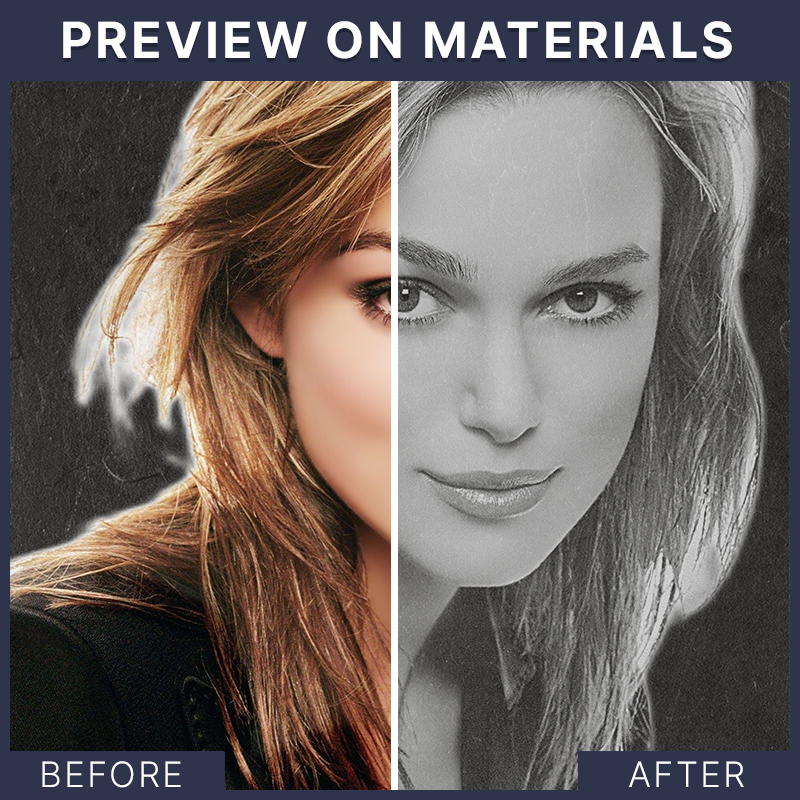
5. Preview with Material
Preview the final result on your chosen material.
↓
6. Download
Download your prepared file in your desired format.
Features and Functions:
Cleaner, Faster, and Better Layout

Streamline your workflow with our premium layout, designed to be fast, convenient, and visually stunning.
Colored or Grayscale Uploads
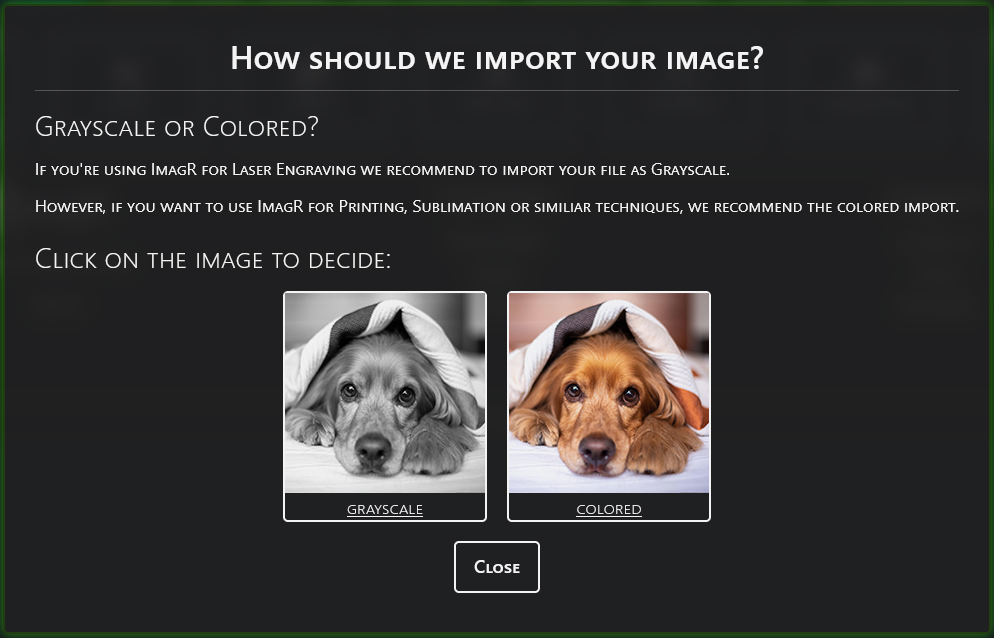
Prepare images in color for sublimation, UV printing, or 3D printing alongside our advanced laser engraving technologies.
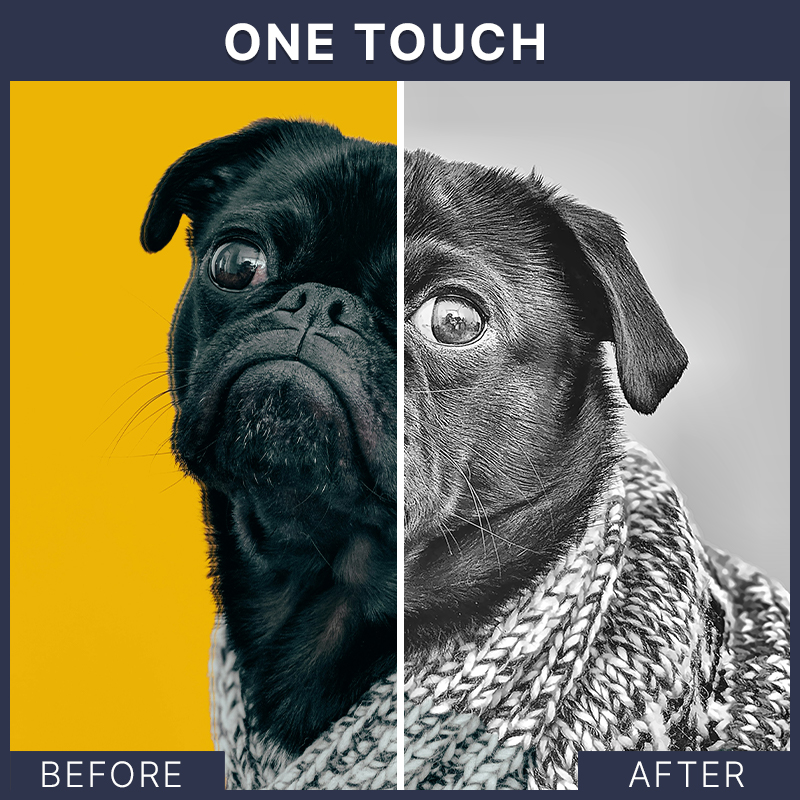
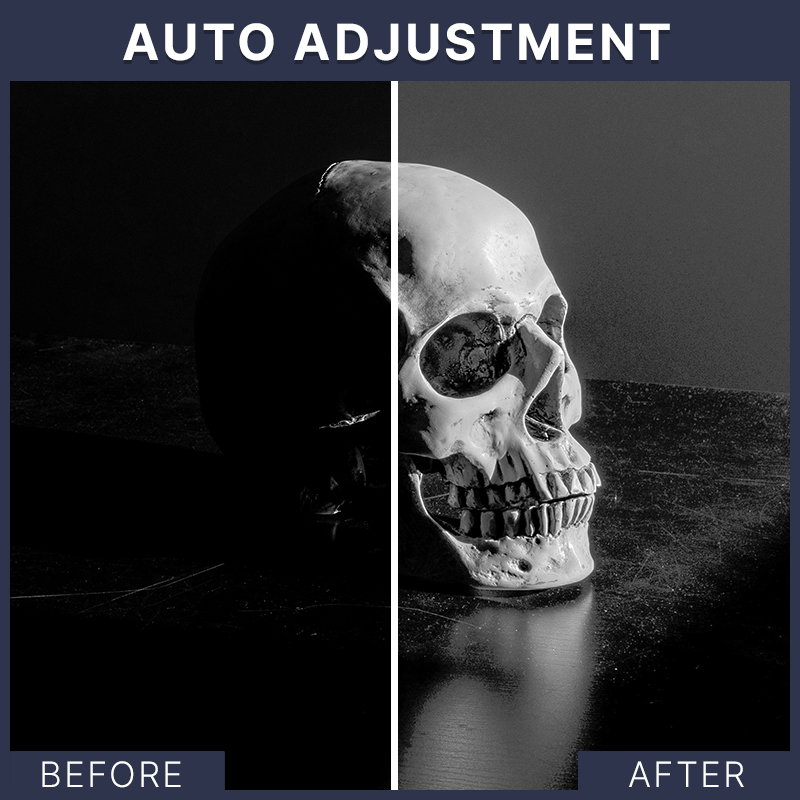
Fix Shading Issues Instantly
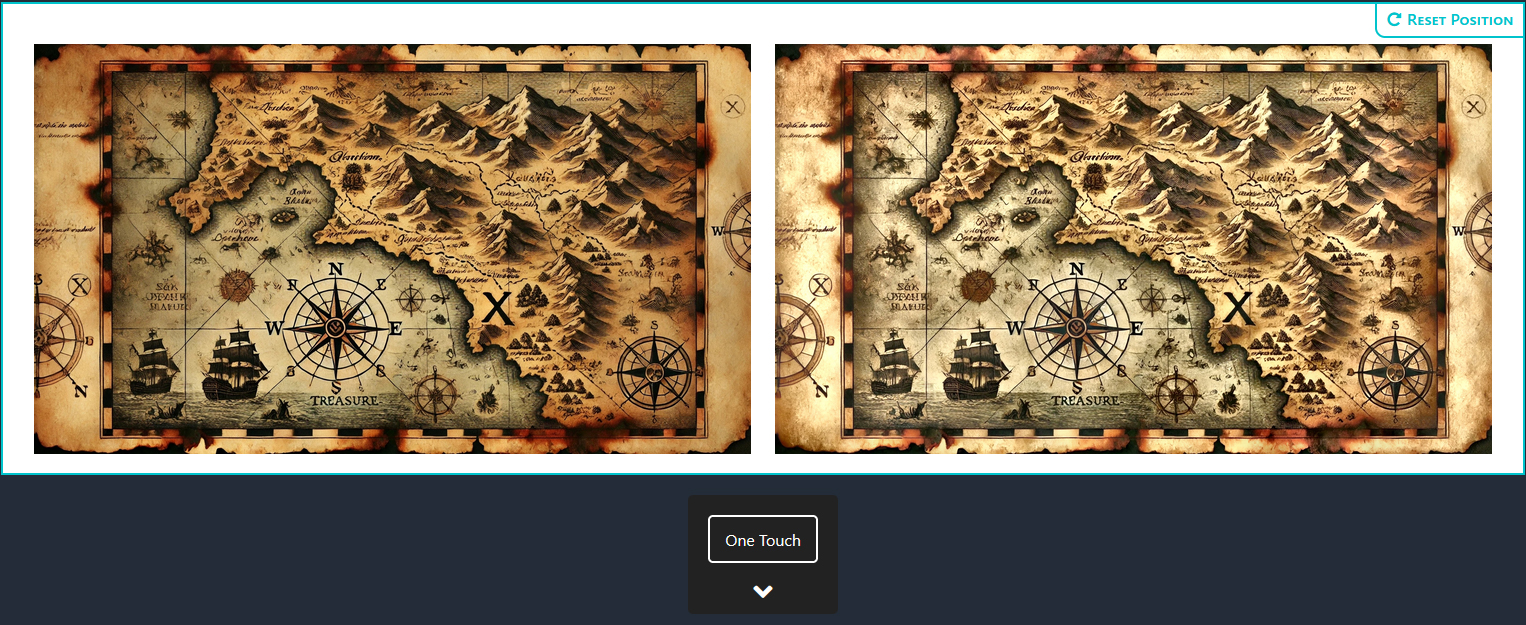
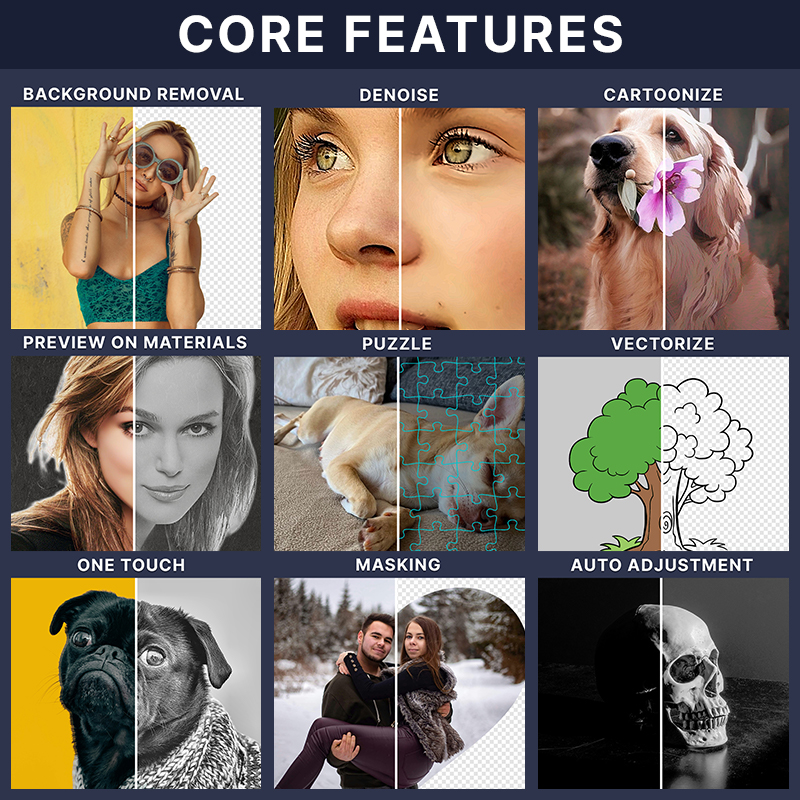
ImagR One Touch restores shadows and fixes broken image areas, ensuring every detail shines—effortlessly.
Remove Backgrounds in Seconds
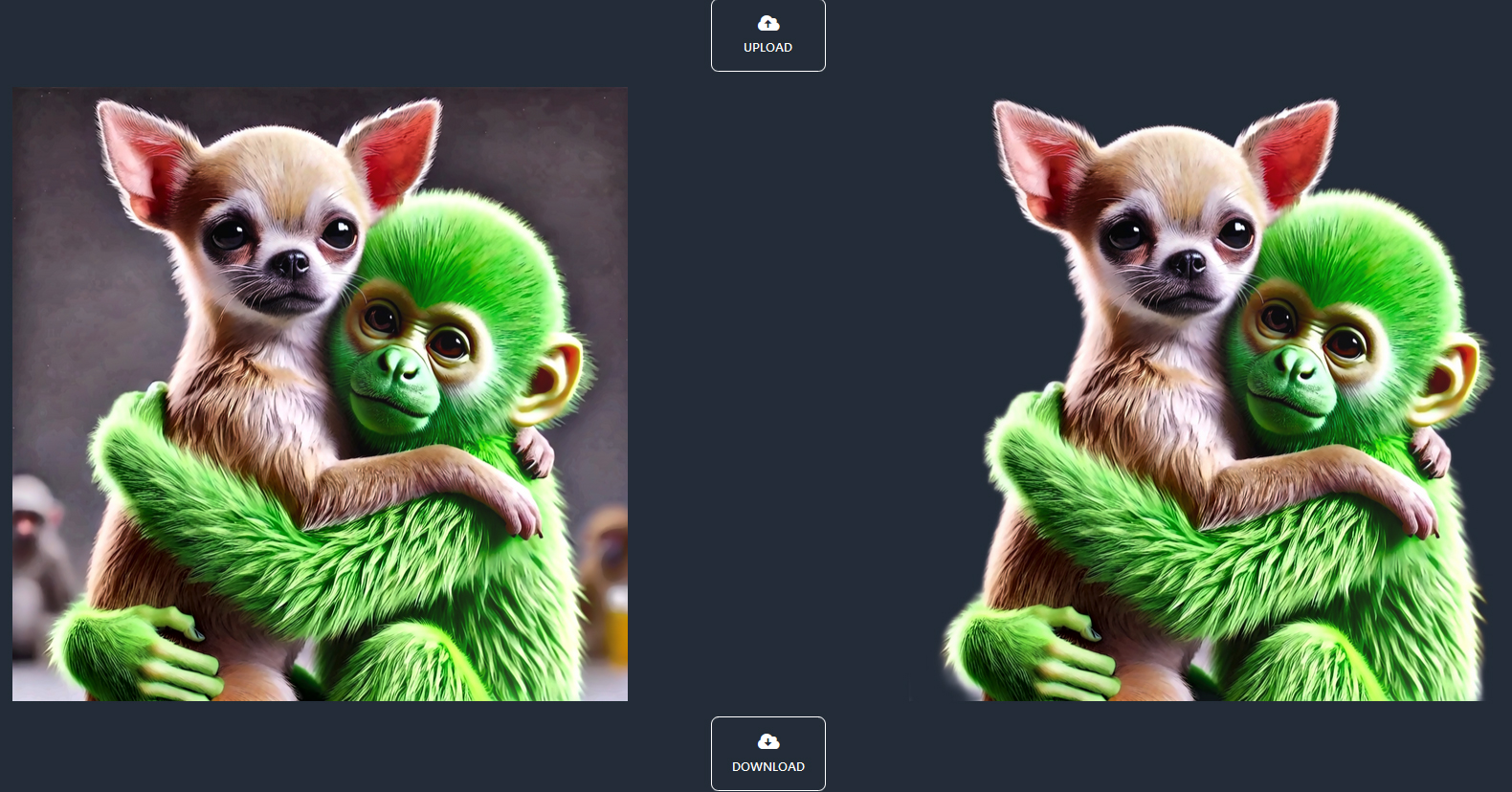
Easily remove unwanted backgrounds for engraving, printing, or sublimation with our lightning-fast tools.
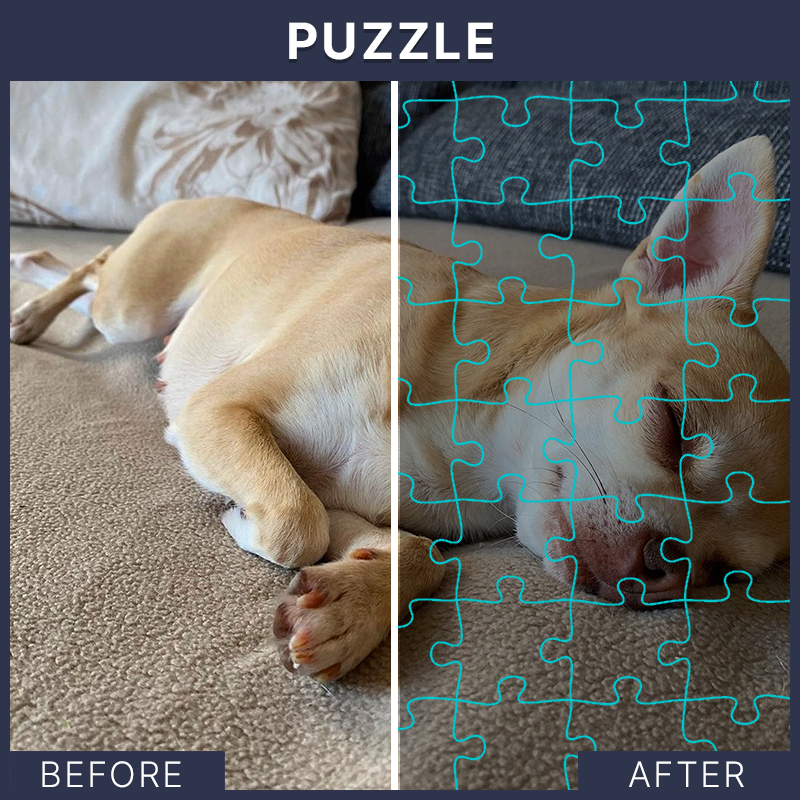
Design Stunning Puzzles
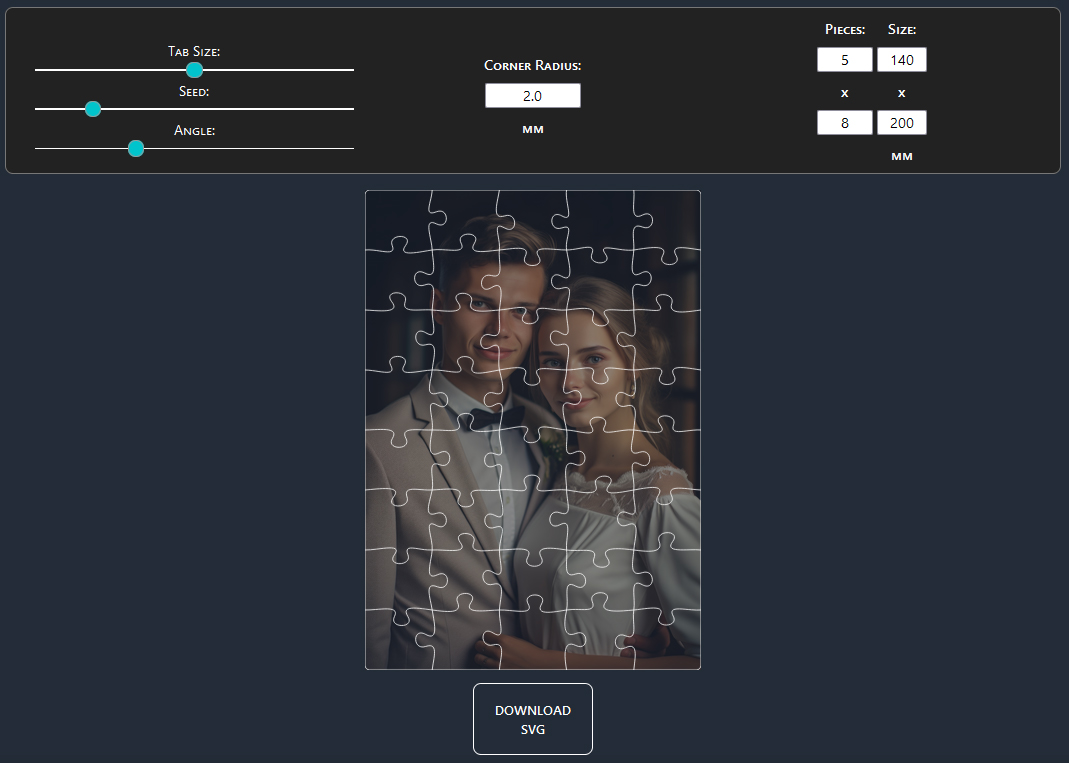
Create personalized puzzles with adjustable difficulty, piece count, and more—perfect for unique gifts.
Create Perfect Cutouts
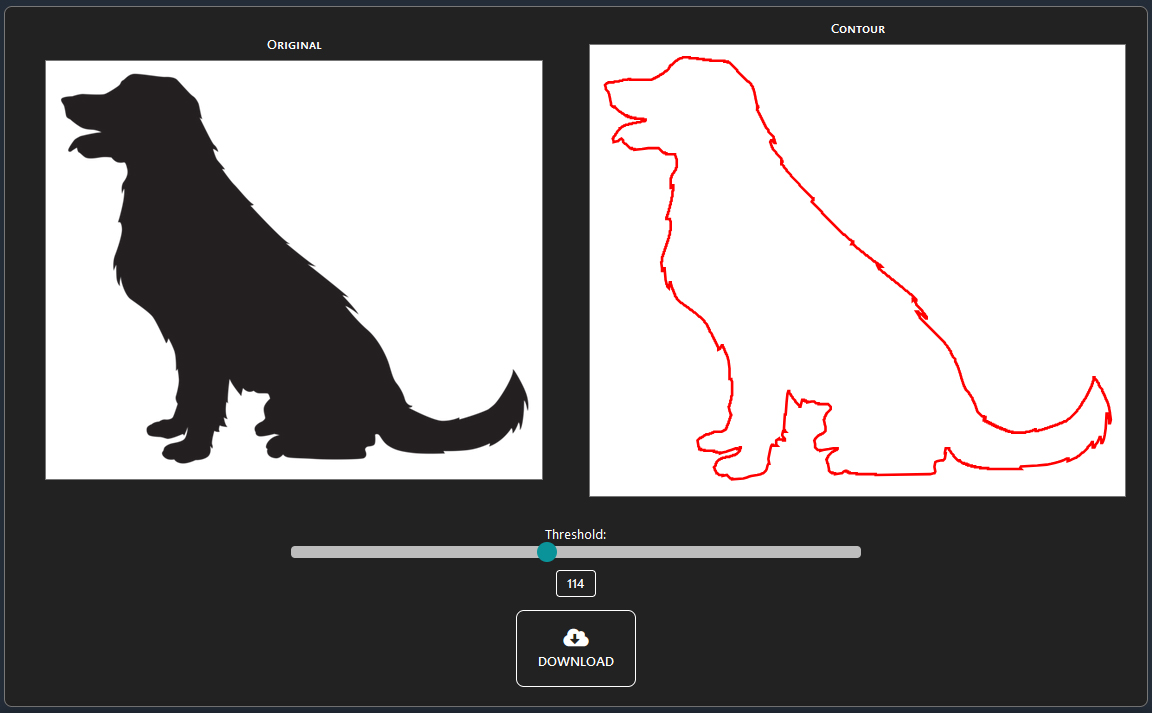
Generate precise contours for objects with just a few clicks—ideal for keychains, LED lamps, and more.
Slice Images for Any Workspace
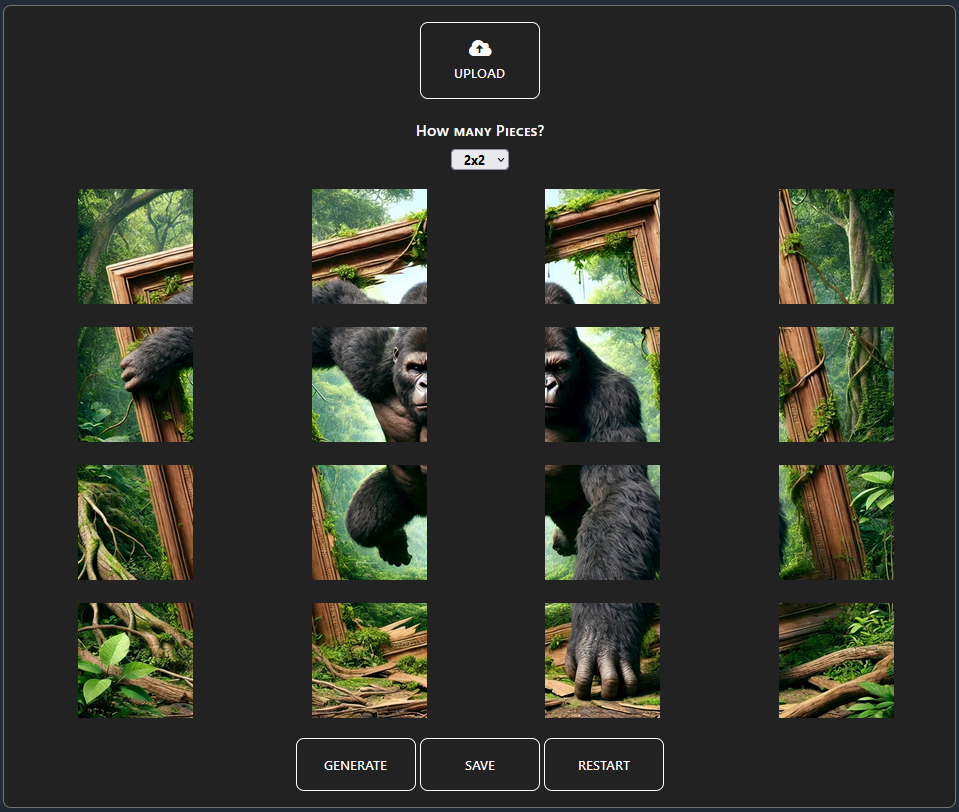
Slice your images into perfectly sized sections, tailored to your laser’s capabilities.
Sharpen Your Images
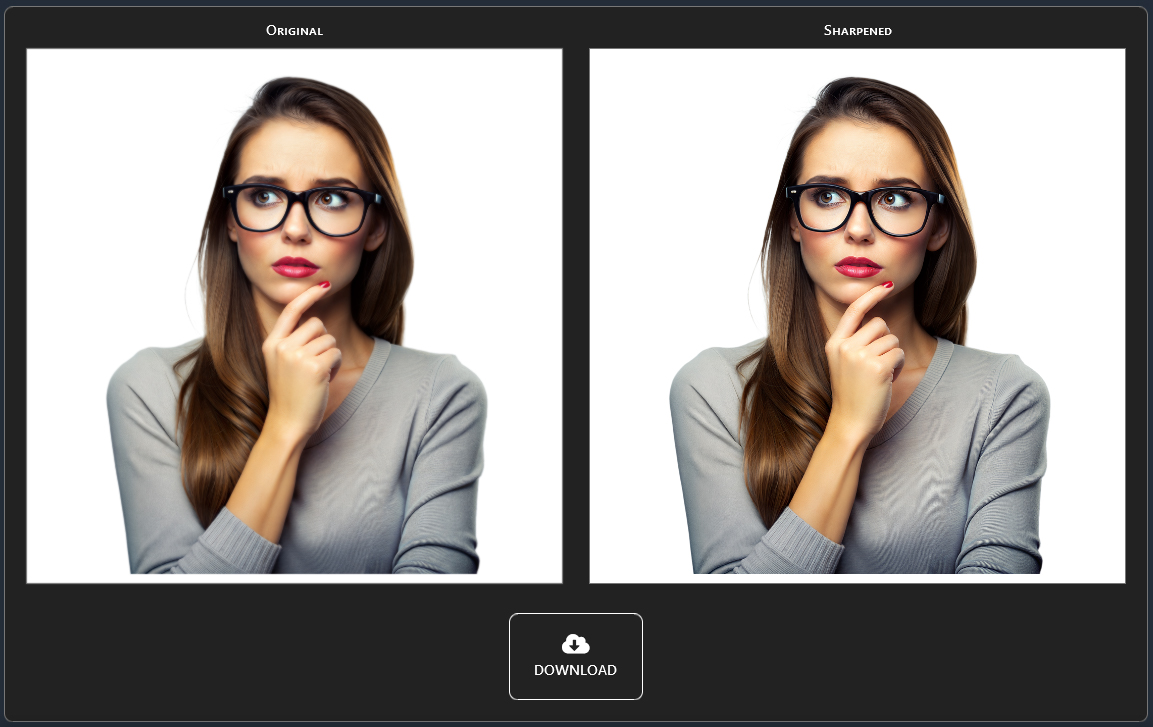
Enhance details with advanced sharpening technology that maintains image integrity without pixelation.
Transform to Vector Art
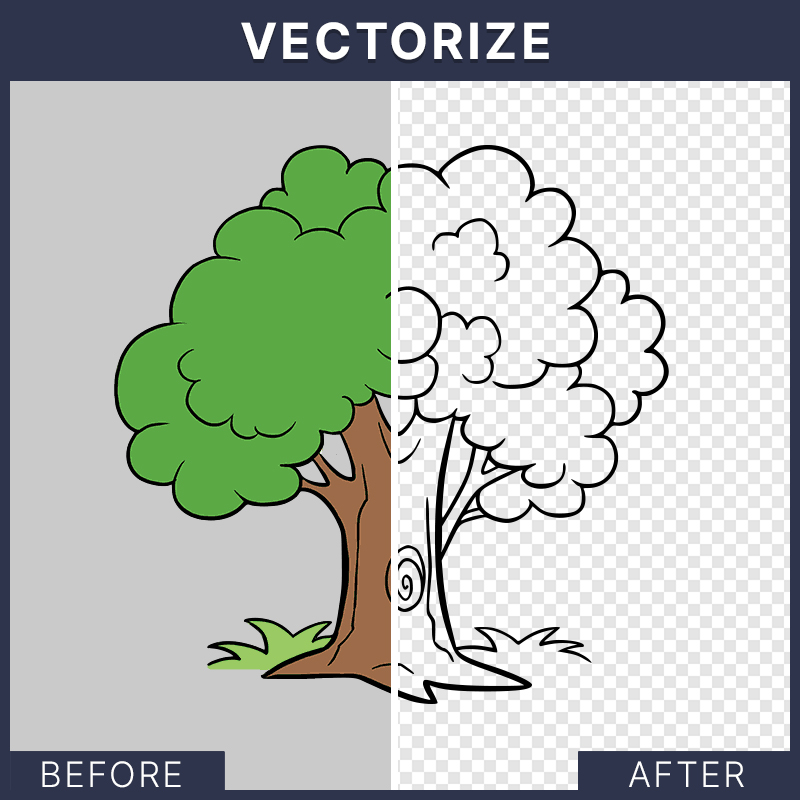
Convert images to vector art for a unique, artistic touch to your projects.
Cartoonify Your Images
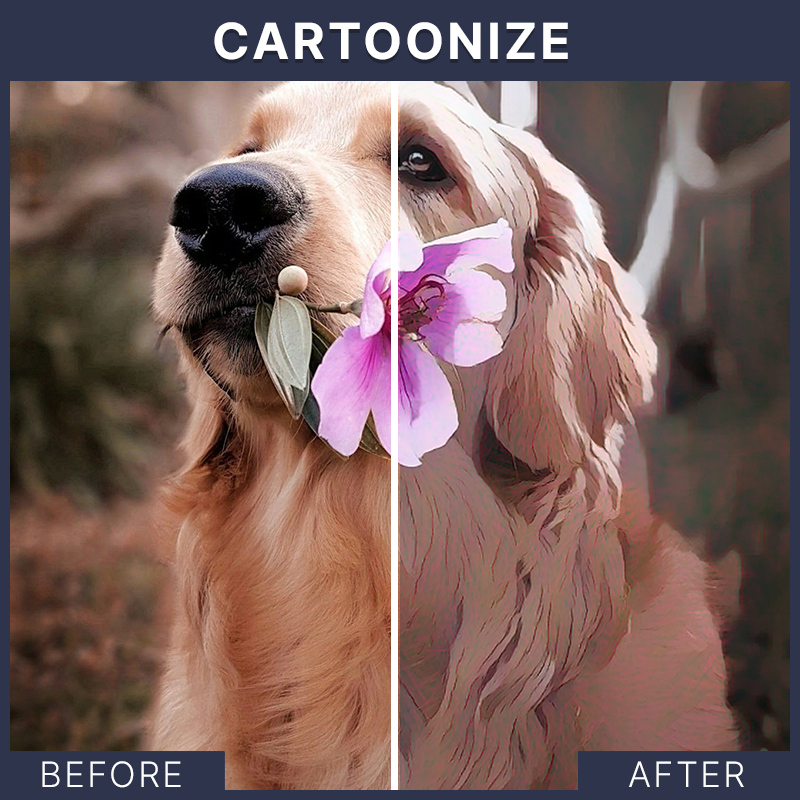
Turn your images into cartoon-style graphics for a fun and creative twist in seconds.
Advanced Color Correction
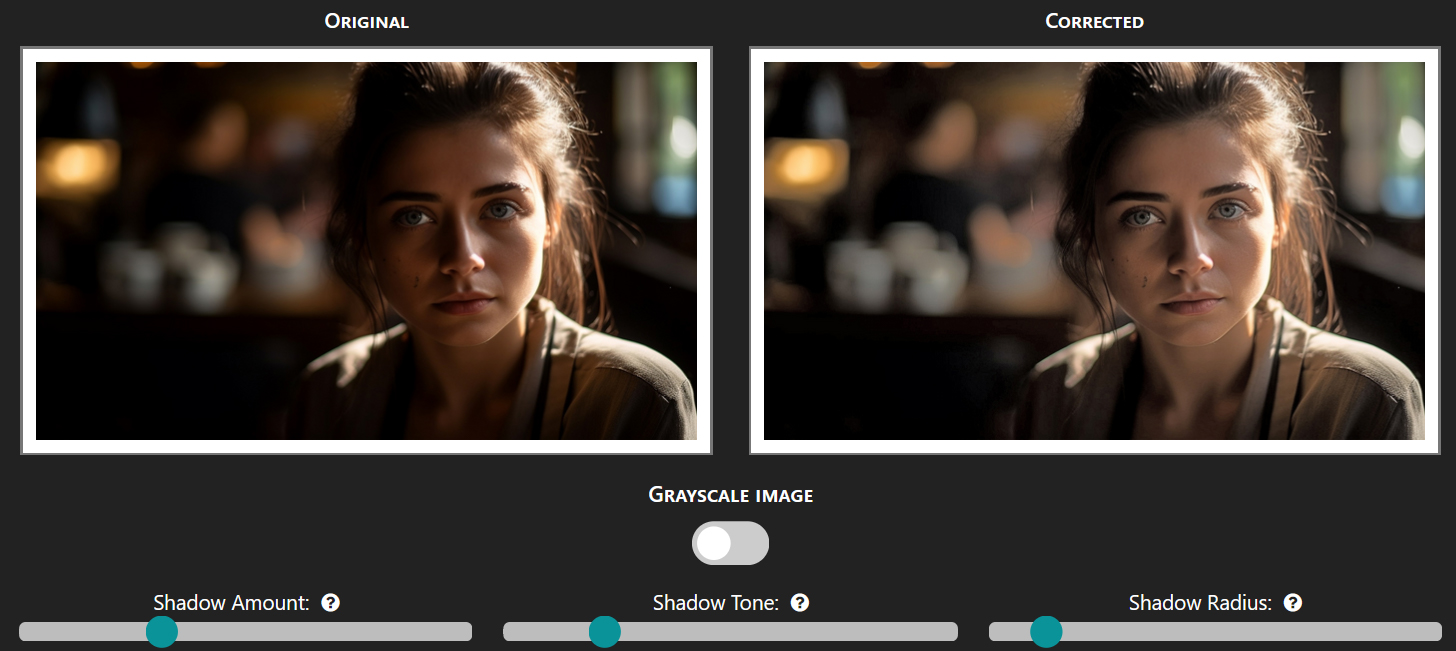
Fix lighting and shading issues in specific areas, perfect for restoring details in dark or uneven spots.
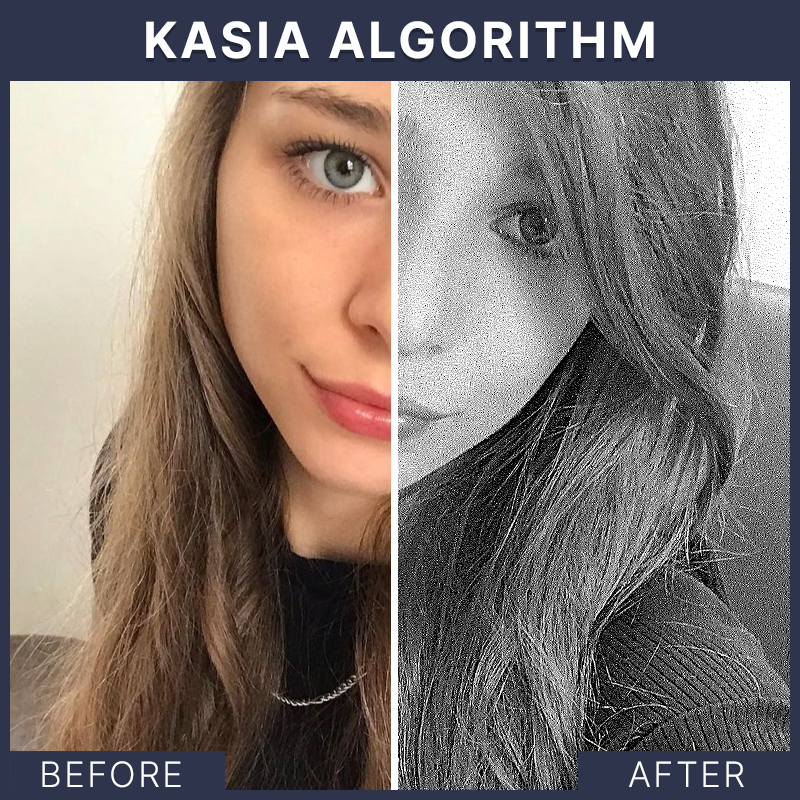
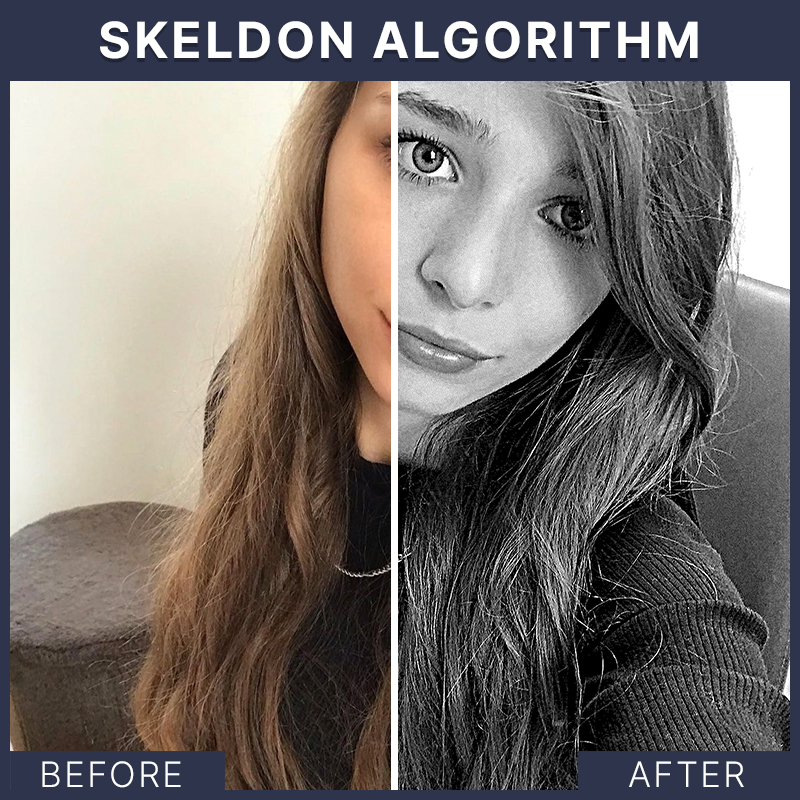
Custom Dithering Algorithms
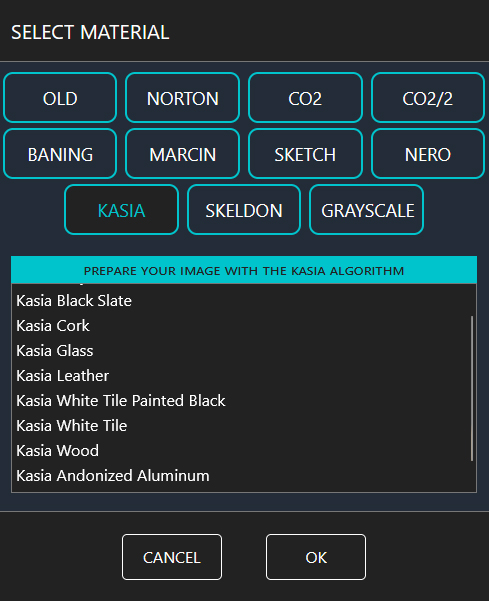
Choose from over 100 algorithms tailored to fit any material or engraving style.
Flexible Crop Options
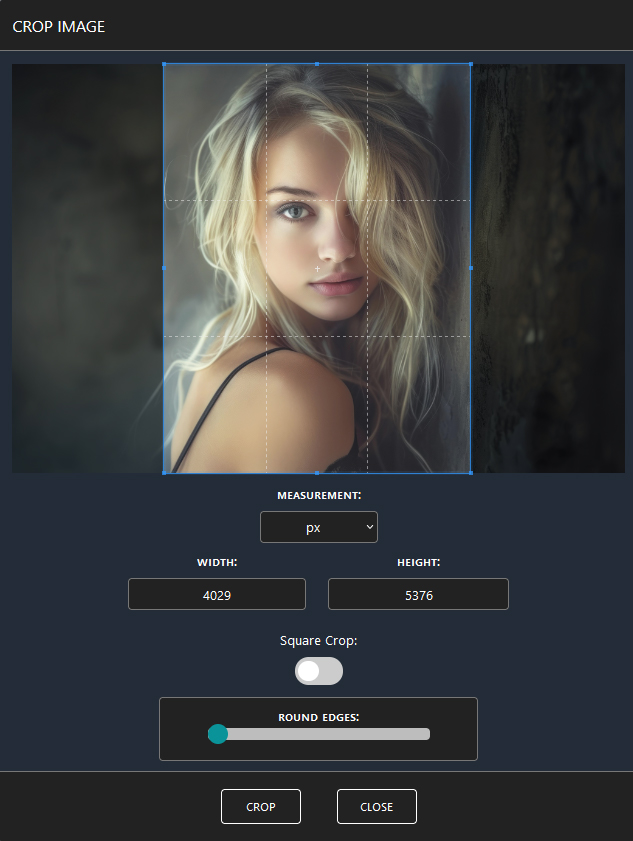
Crop your images into circles, ellipses, or other shapes—perfectly suited for your project needs.
Precise Image Resizing
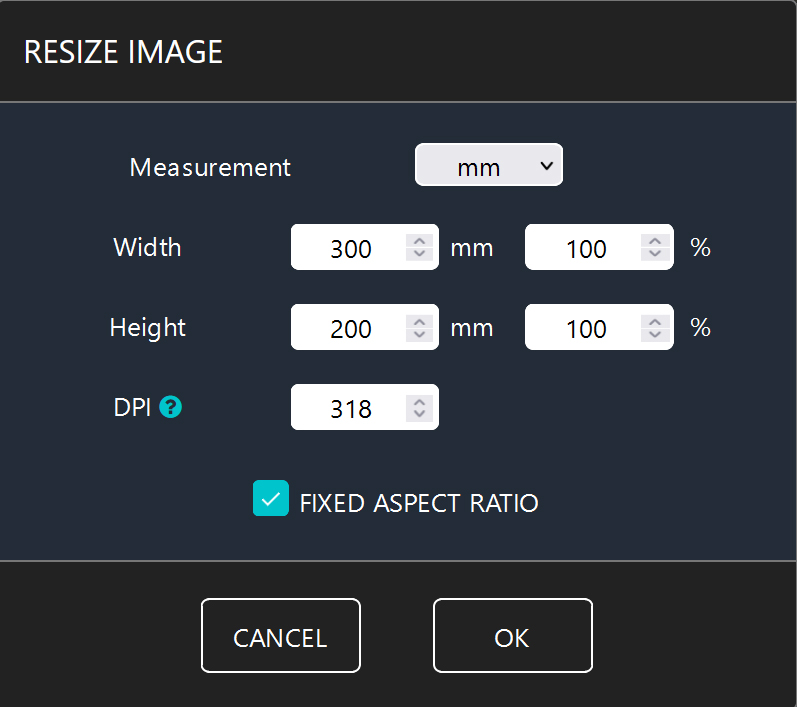
Adjust DPI and dimensions effortlessly, ensuring optimal results for your engravings.
Text Overlay Made Easy
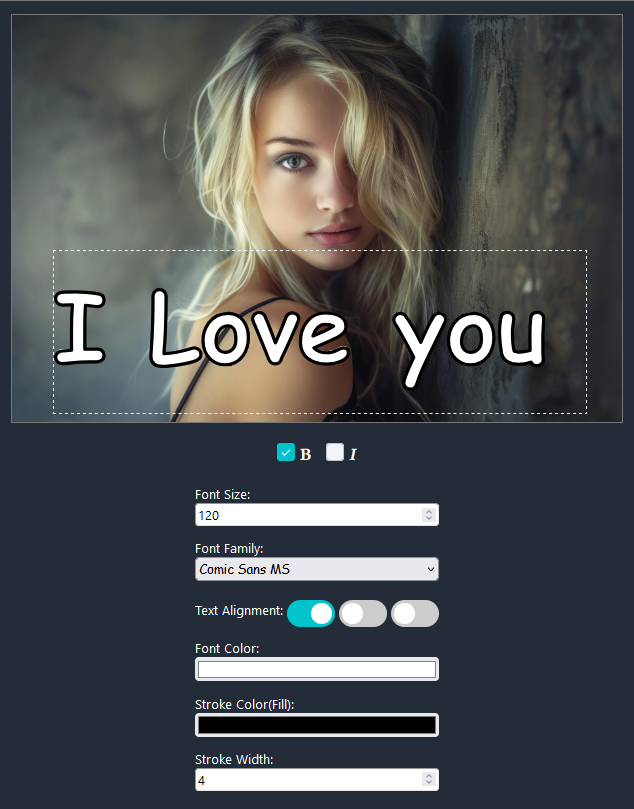
Add text to your images, customize contours, colors, and more for a personalized finish.
Preview with Material
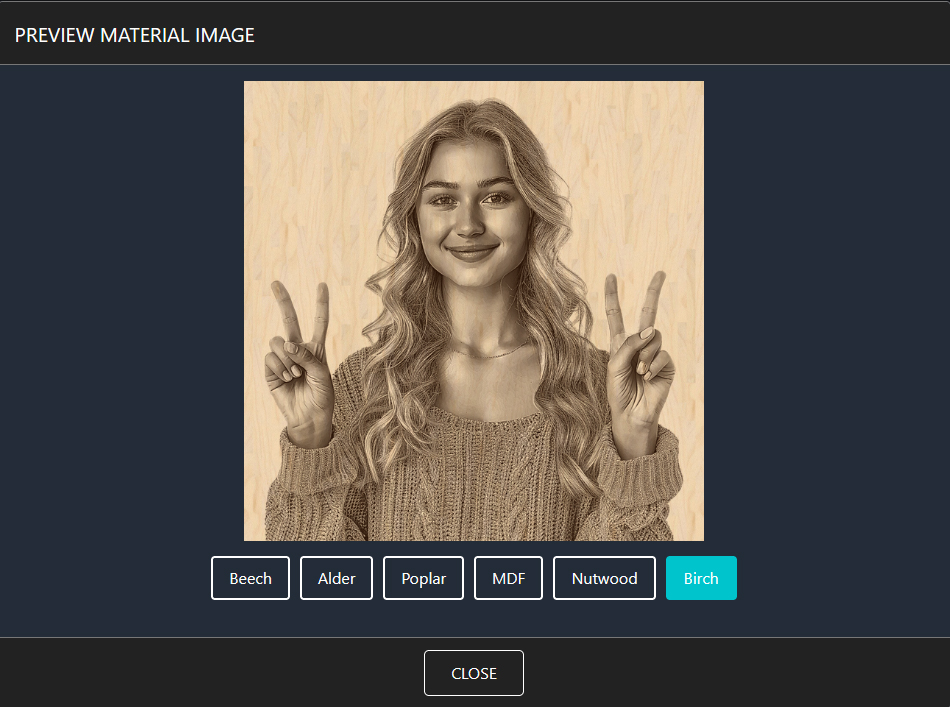
Preview the final result on your chosen material.
Flexible Download Formats
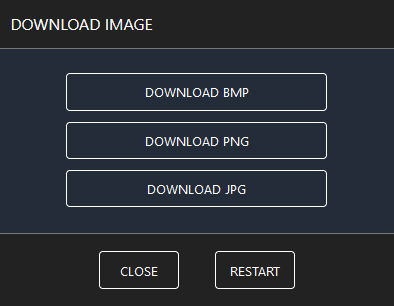
Download your prepared images in BMP, PNG, or JPG formats, ready for your next project.
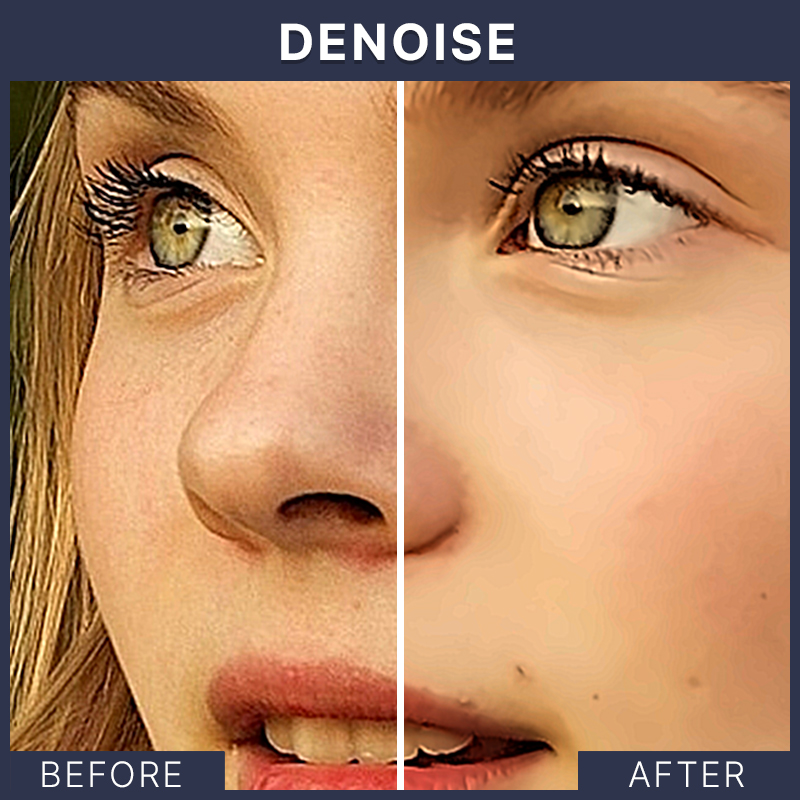
Explore Advanced Settings
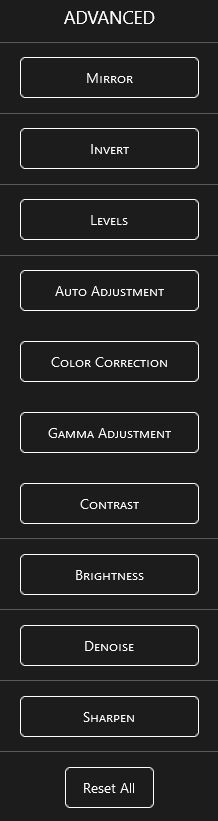
Take control with advanced options like denoise, sharpen, and more for ultimate customization.
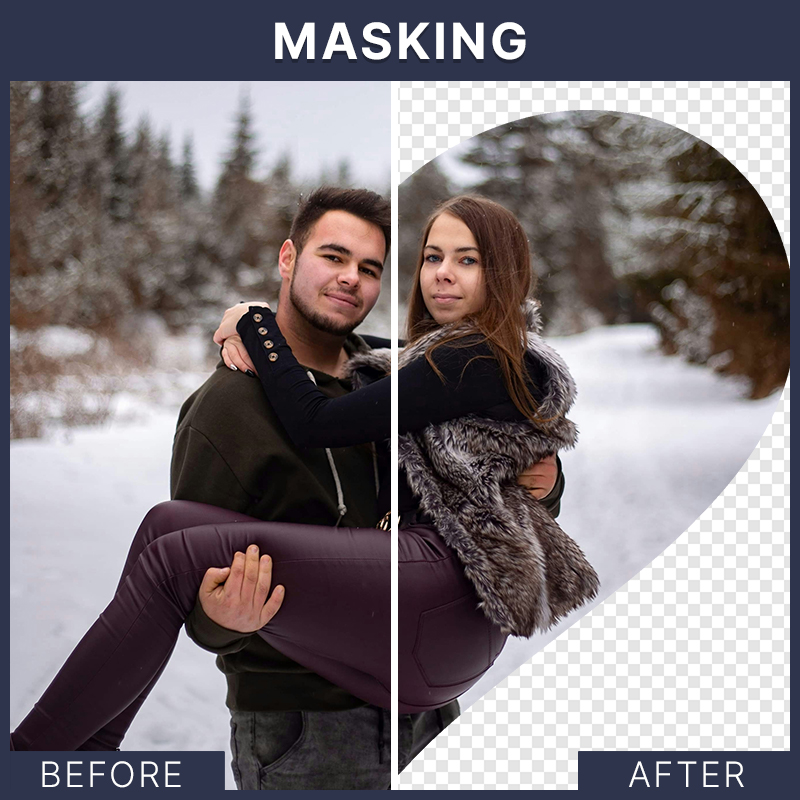
Creative Masking Options
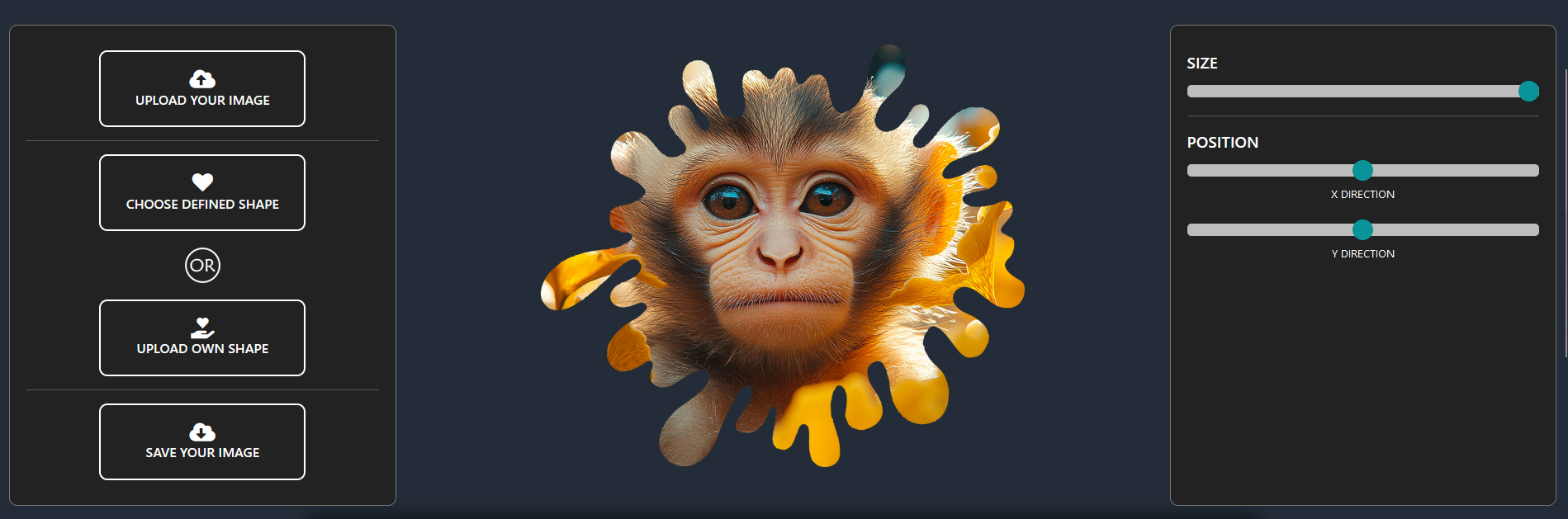
Transform your images with unique shapes and styles, making your designs stand out.