
DepthR

From: 26.90 / month

DepthR

Clear selection


ImagR is built to make your creative life easier. Whether you’re editing photos, designing visuals, or managing creative projects, ImagR gives you powerful tools, simple workflows, and stunning results—perfect for beginners and pros alike.


Unlock the full power of ImagR with Pro! Get access to premium features like advanced editing tools, fast processing, priority support, the new Template Feature and many more. Plus, enjoy faster processing speeds and unlimited exports—everything you need to stay ahead of the competition.


With an ImagR subscription, you get everything: professional-grade tools, a clean layout, exclusive templates, regular updates and many more! Plus, no watermarks, full-resolution exports, and seamless collaboration features. It’s everything you need to bring your ideas to life.

SKU: N/A Categories: ,

Description

Please be aware

DepthR is currently in its Alpha State, and the offline version will soon be incorporated at no extra cost. By supporting us early, you can take advantage of a reduced price!


This Subscription includes:

3x DepthR Activations

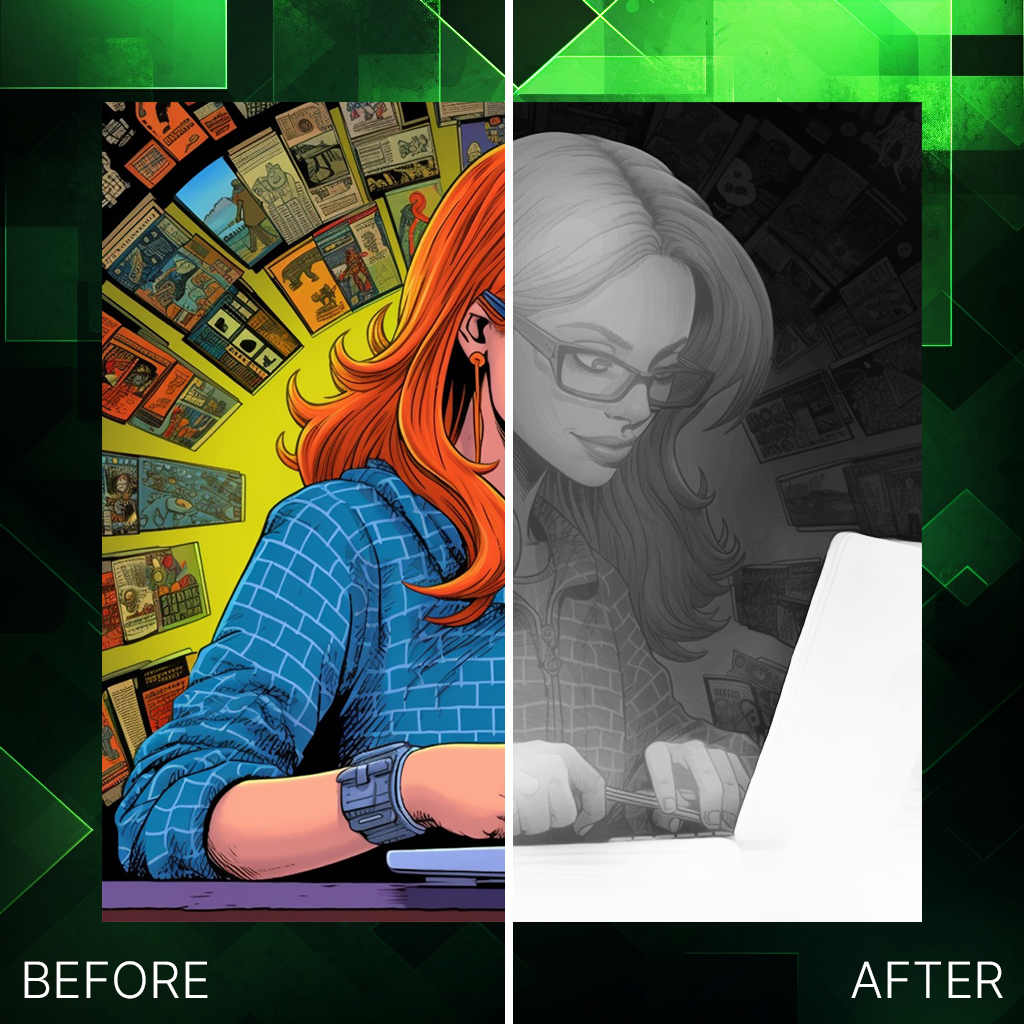
This is why you need Depth-R

Please click on what suits you best for more information.


3D Engraving

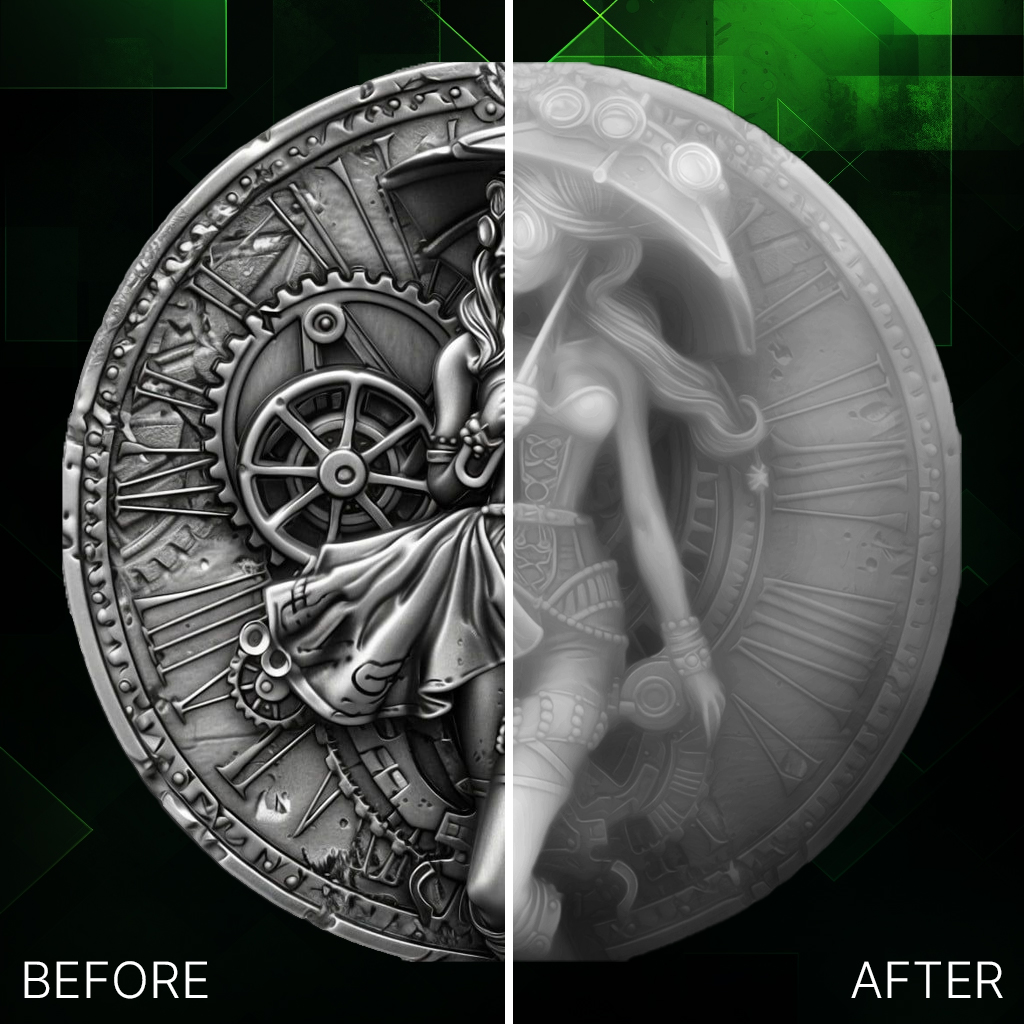
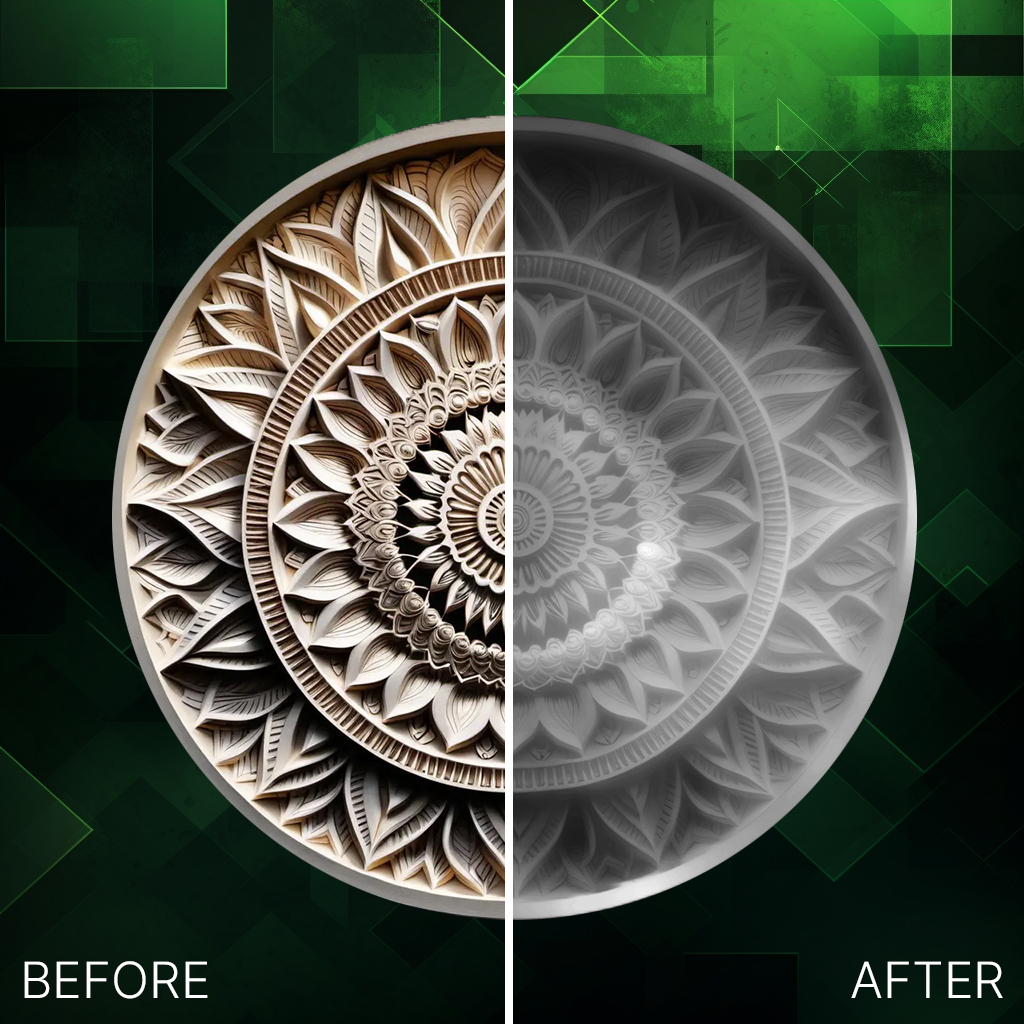
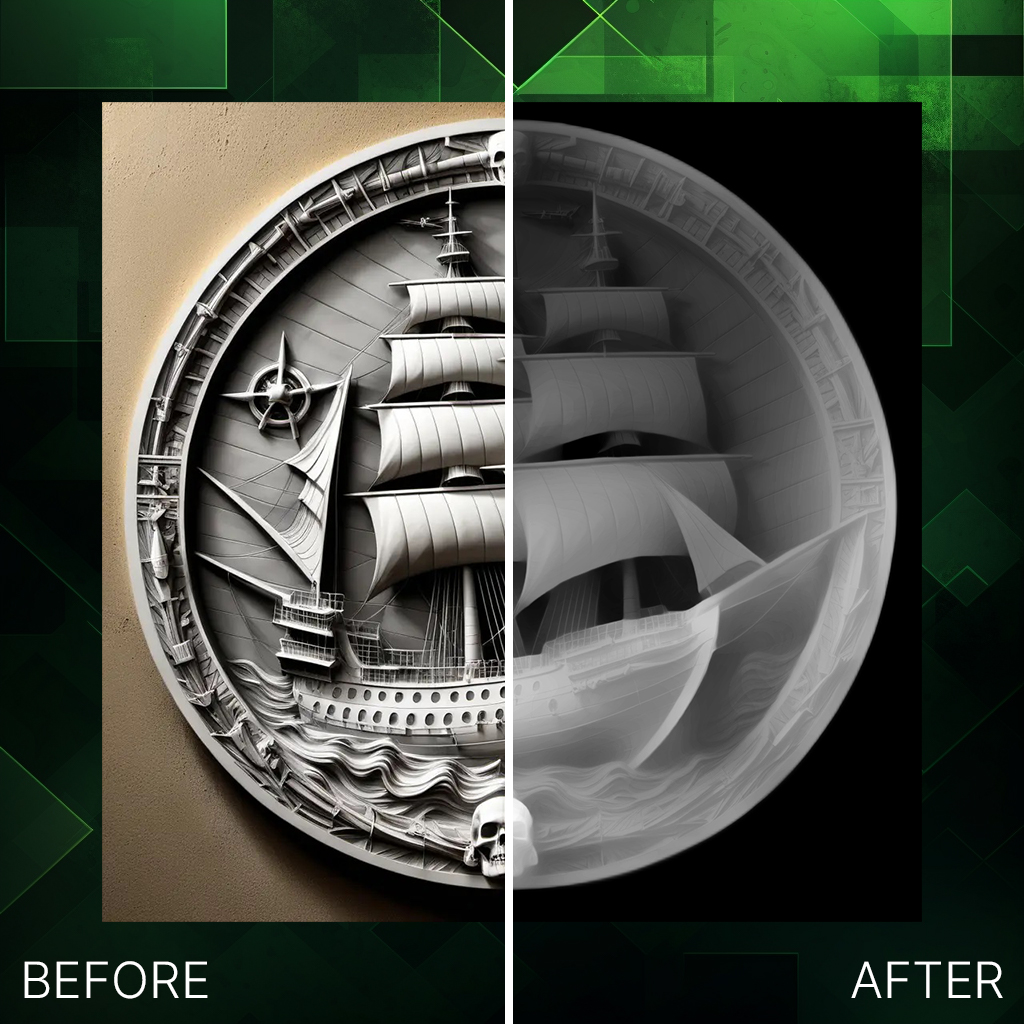
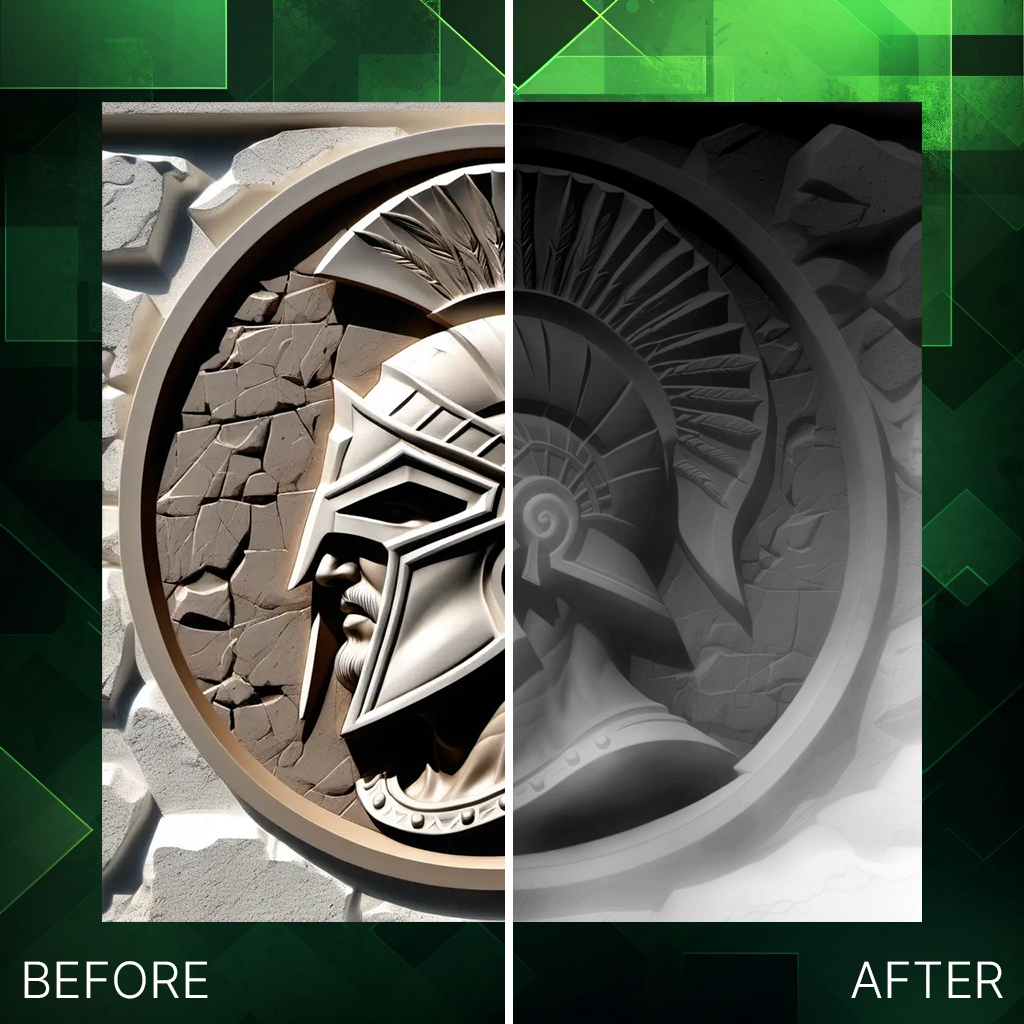
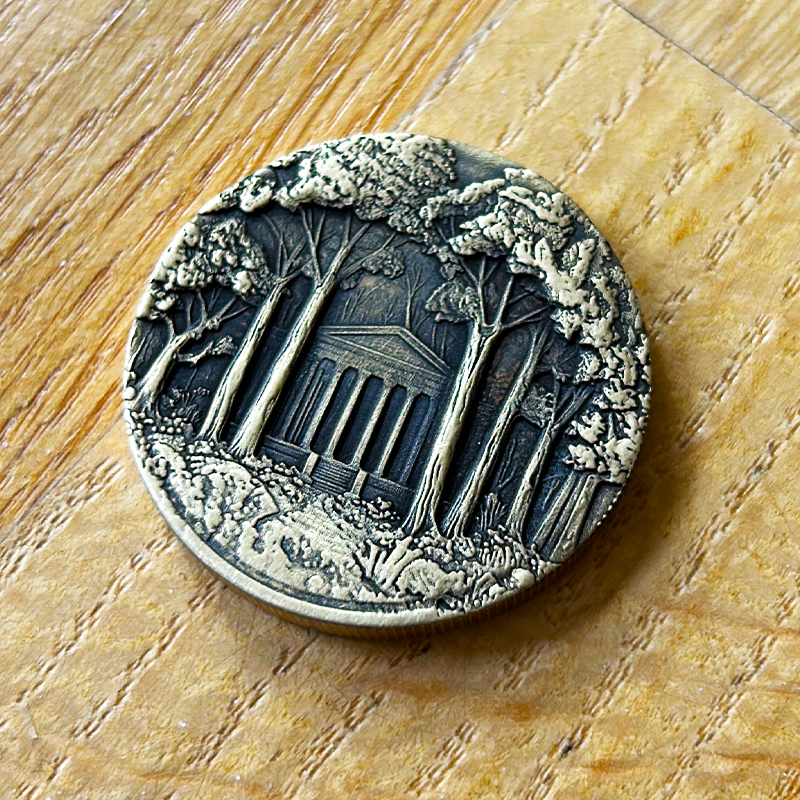
Depth-R enables detailed 3D laser engraving on materials like slate and coins. CO2 and diode lasers are also supported. We recommend Lightburn for Fiber Laser applications with its 3D Slice Mode.

Depth-R 3D Engraving Example


CNC Milling

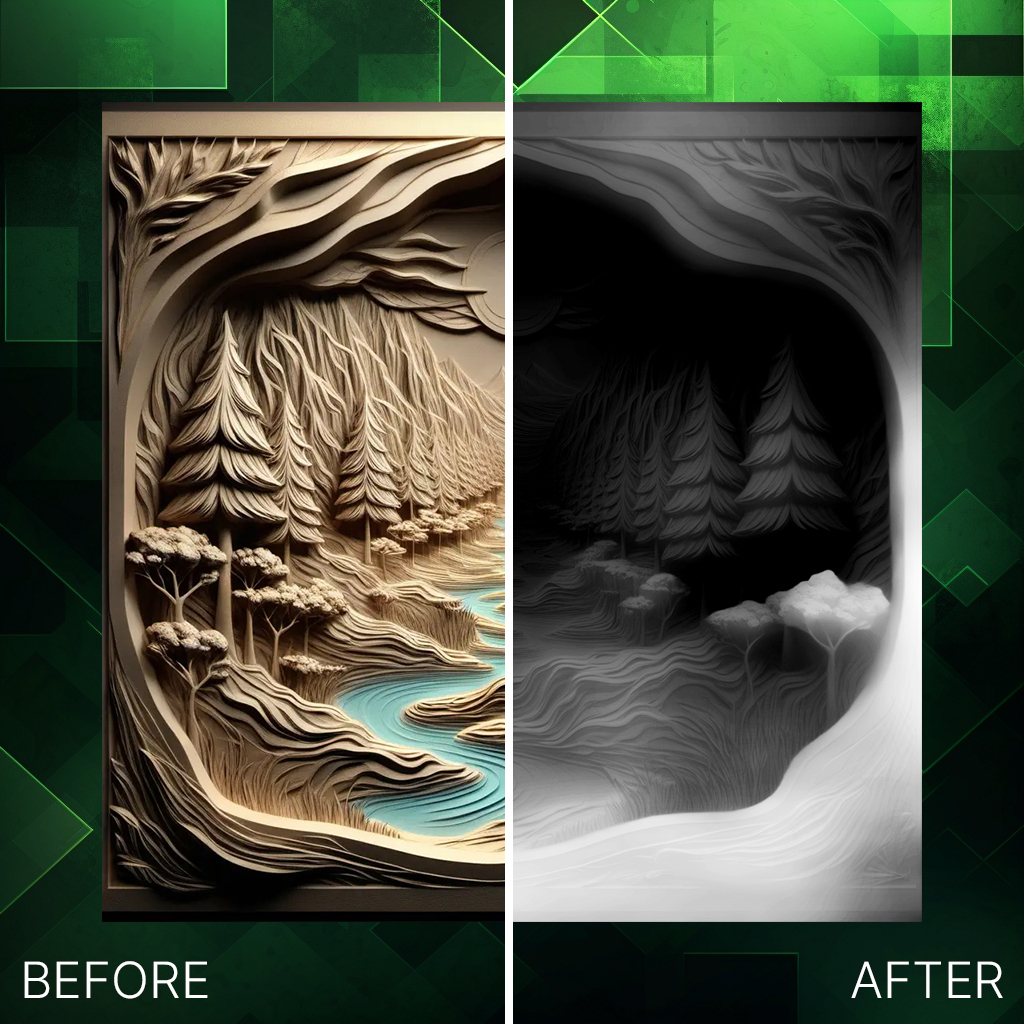
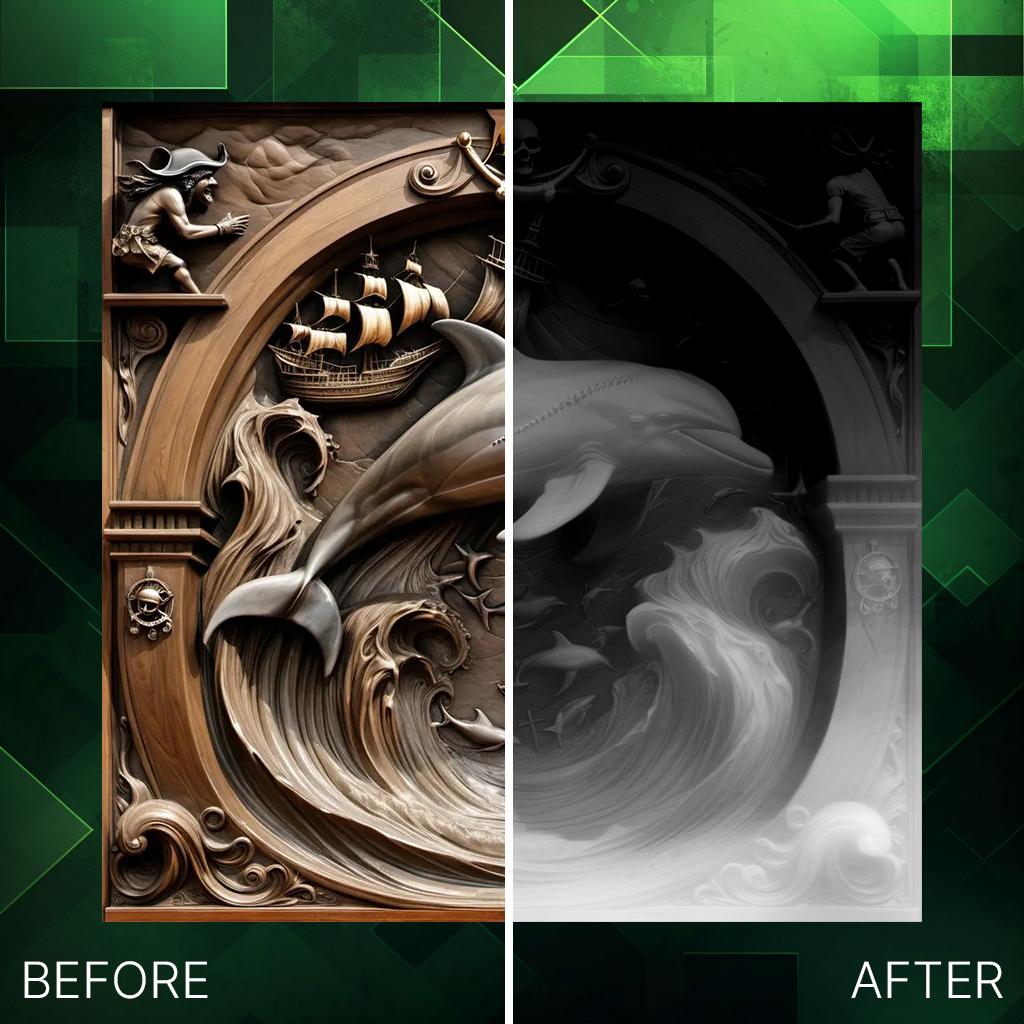
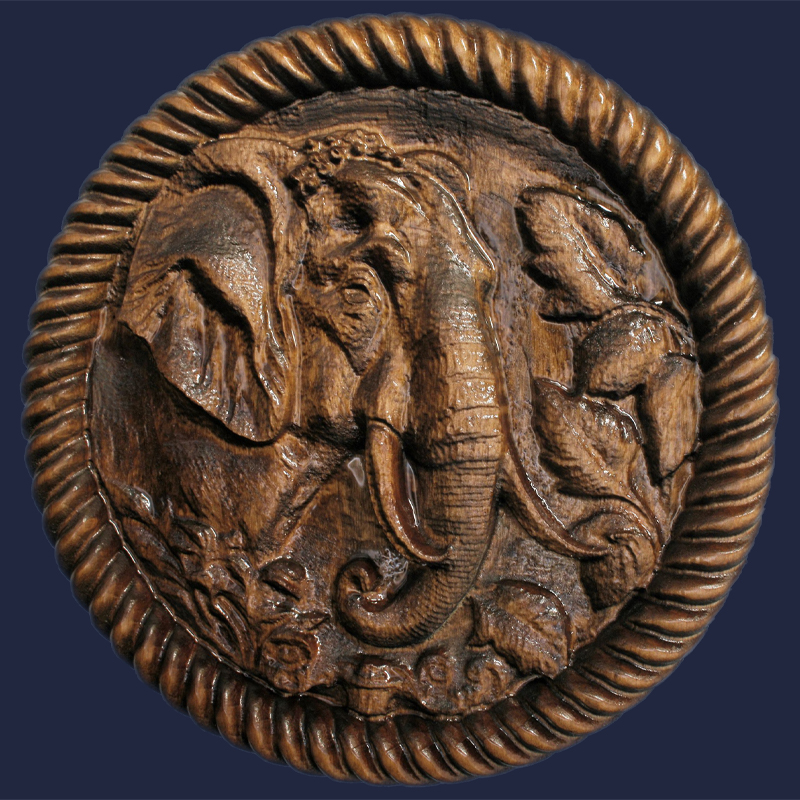
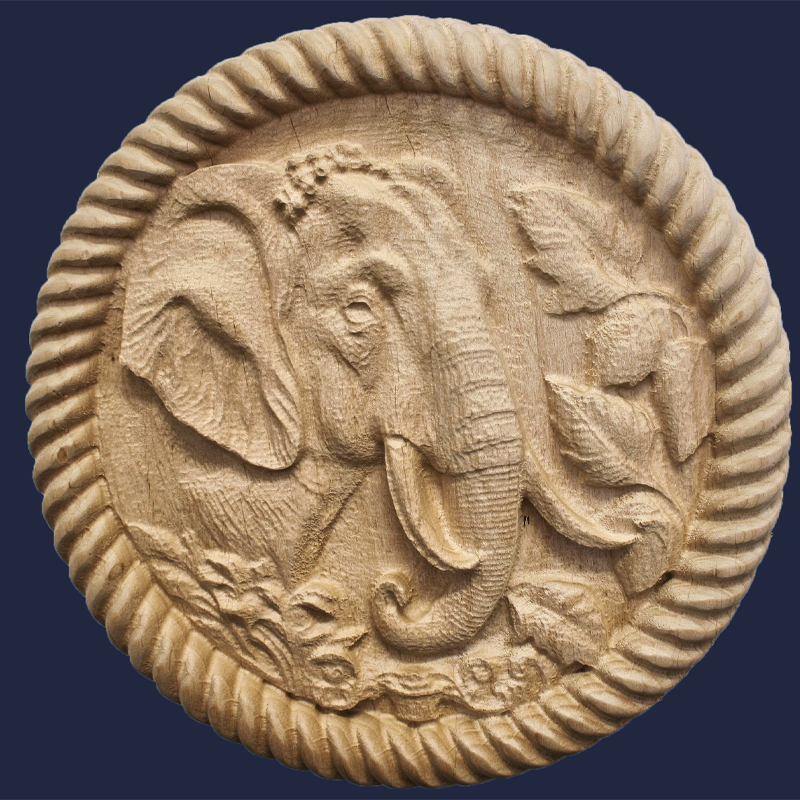
DepthR allows for precise milling with enhanced detail. From depth maps to staining and glazing, each piece is crafted with care. Learn how to elevate your CNC projects with DepthR’s precision tools.

CNC Milling Example


3D Printing

Coming soon.


How does DepthR work?

DepthR Explanation

  • Highlights: Adjust brighter areas in your depth map.
  • Black Level: Modify darker areas in your depth map.
  • Details: Control the level of detail in your depth map.
  • Slider: Adjust settings for highlights, black level, or details.
  • Remove Background: Remove the background before or after generating depth maps.
  • Denoise: Soften depth maps and STL files.
  • Preview: View Depth Map/STL results in real-time.
  • Generate Depth Map: Create a depth map from your uploaded image.

Preview – In Depth

DepthR Preview

  • Choose Material: Toggle between different materials.
  • Set Depth: Control depth for STL and Depth Maps.
  • Trim STL: Adjust STL thickness as needed.
  • Save STL: Download the final STL result.
  • Save PNG: Download the final Depth Map.
  • STL Preview: View the STL result in 3D.

Additional information

Duration

1 Month, 6 Months, 1 Year

Title